Environmental Planner Kdp Interior
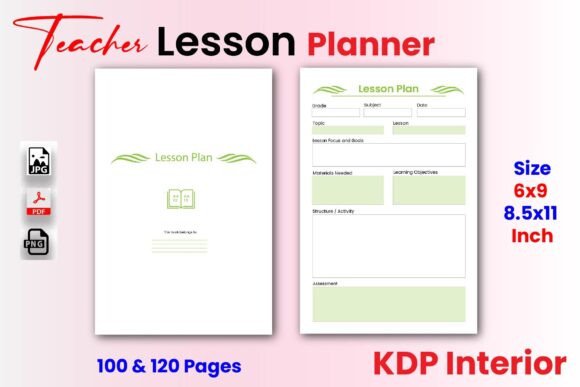
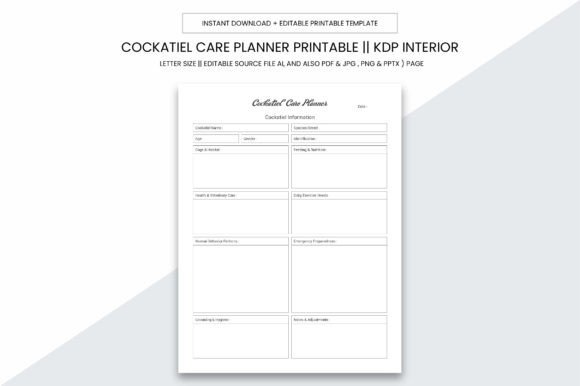
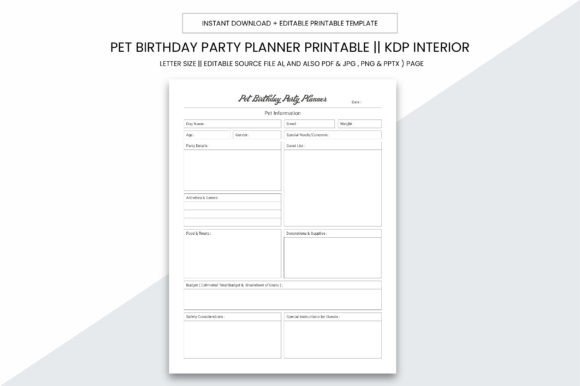
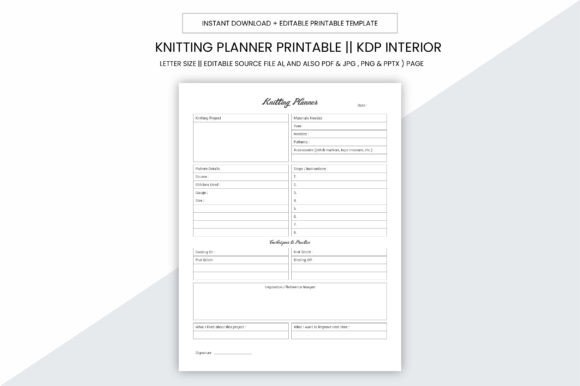
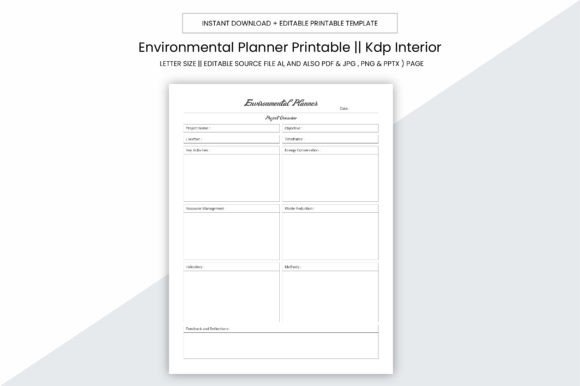
The Environmental Planner Kdp Interior is a professionally designed, printable planner template intended for use in personal organization, commercial operations, or self-publishing via Amazon Kindle Direct Publishing (KDP). It is not a physical product but a digital download—delivered as editable source files (Adobe Illustrator .ai), plus universally compatible formats including PDF, JPG, PNG, and PPTX. The interior is formatted to meet KDP’s specifications: 8.5 x 11 inches, no bleed, 300 ppi resolution, and ready for high-quality printing.
This planner consists of 109 pages in final PDF form—optimized for upload directly to KDP’s publishing platform. Its structure supports consistent logging, tracking, and documentation across environmental planning tasks, such as site assessments, regulatory compliance notes, stakeholder communications, field observations, or project timelines. While the title suggests environmental applications, its layout is adaptable to broader professional or administrative uses where structured recordkeeping matters.
Who Might Consider This Planner?
Three primary audiences commonly evaluate the Environmental Planner Kdp Interior:
- Self-publishers building niche planner businesses on KDP—especially those targeting sustainability professionals, land-use consultants, or ecological researchers;
- Small business owners or independent consultants needing a customizable, print-on-demand logbook for client-facing documentation or internal project management;
- Individual professionals seeking a reusable, editable template for organizing environmental data—without relying on subscription-based apps or inflexible pre-printed notebooks.
Each group weighs different criteria: publishers prioritize KDP compatibility and design scalability; practitioners value clarity, space efficiency, and ease of annotation; and individuals assess adaptability to evolving workflows.
Key Benefits and Practical Advantages
The Environmental Planner Kdp Interior offers several functional advantages:
- KDP-ready formatting: Pages are sized and spaced per Amazon’s current guidelines—eliminating manual adjustments before upload. No bleed means no risk of content cutoff during trimming.
- Editable source files: The included Adobe Illustrator (.ai) file allows users with design experience to modify fonts, layouts, or section headers—supporting brand alignment or role-specific adaptations.
- Multi-format flexibility: PDF ensures consistency across devices and printers; JPG and PNG support visual previews or slide-based presentations; PPTX enables integration into team briefings or training decks.
- Print quality assurance: At 300 ppi, the files meet professional offset and digital print standards—suitable for local print shops or home printers with high-resolution capability.
For KDP sellers, this reduces time spent troubleshooting formatting errors or re-exporting files. For end users, it means reliable legibility and sufficient margin space for handwritten notes or printed inserts.
Tradeoffs and Realistic Expectations
No digital planner interior is universally ideal. Users should consider these practical limitations:
- Editing requires software proficiency: Modifying the .ai file demands access to Adobe Illustrator (or compatible vector software) and familiarity with layers, text boxes, and export settings. Those without design tools may rely solely on the static PDF—limiting customization.
- No built-in interactivity: Unlike digital note-taking apps, this planner does not support search, hyperlinks, or cloud sync. It functions as a static document—ideal for analog workflows or printed distribution, but not dynamic digital use.
- Page count is fixed: The 109-page structure reflects a specific organizational logic. Users needing significantly more—or fewer—pages must manually duplicate or delete sections, which may affect pagination or KDP’s interior preview accuracy.
- Content neutrality: The interior provides layout and structure—not pre-filled content. Users supply their own data, terminology, and contextual detail. It does not include regulatory checklists, jurisdiction-specific forms, or automated calculations.
These constraints are not flaws but inherent to the format: it prioritizes flexibility and compatibility over out-of-the-box specialization.
When This Planner Is a Strong Fit
The Environmental Planner Kdp Interior aligns well when:
- You plan to publish a physical or print-on-demand planner on KDP and need a compliant, production-ready interior that avoids common formatting rejections;
- Your workflow relies on printed logs—such as field surveys, permit documentation, or audit trails—where consistent page layout improves readability and retention;
- You already use Illustrator or collaborate with a designer and want to extend an existing brand identity (colors, typography, logo placement) into your planner product;
- You prefer owning and controlling your files rather than subscribing to cloud-based services—and value long-term access without recurring fees.
In these cases, the planner serves as infrastructure: a reliable, repeatable foundation rather than a one-time solution.
When Alternatives May Be More Suitable
Consider other options if:
- You need real-time collaboration, version history, or searchable archives—tools like Notion, OneNote, or specialized environmental software (e.g., ArcGIS Field Maps) offer stronger digital functionality;
- You require jurisdiction-specific templates (e.g., EPA Form 7500-1, state-level wetland delineation sheets)—pre-built regulatory forms often provide greater legal defensibility than generic layouts;
- You lack design software or technical confidence to adjust the .ai file, and the default PDF doesn’t match your preferred spacing, font size, or section balance—then a fully custom design or simpler editable PDF (e.g., with fillable fields) may reduce friction;
- You’re evaluating for classroom or training use and need instructor guides, answer keys, or modular lesson plans—the Environmental Planner Kdp Interior is a blank-slate tool, not a curriculum resource.
Making a Practical Decision
To determine whether the Environmental Planner Kdp Interior suits your goals, ask yourself three questions:
- What is my primary output format? If you intend to sell printed planners via KDP—or produce small-batch runs locally—its print-ready specs and file variety add tangible value. If you primarily work digitally, explore native app integrations first.
- Do I control or influence the design process? Access to the .ai file is only beneficial if you or someone on your team can use it meaningfully. Otherwise, verify that the delivered PDF meets your structural needs without modification.
- How much standardization do I need versus how much flexibility? This planner gives structure without prescribing content. That supports broad applicability—but also places responsibility on you to define purpose, categories, and usage rules.
Reviewing the 109-page PDF preview—checking margins, header consistency, grid alignment, and section transitions—offers more insight than feature lists alone. A strong fit emerges not from ideal conditions, but from alignment between your operational constraints and the planner’s documented capabilities.