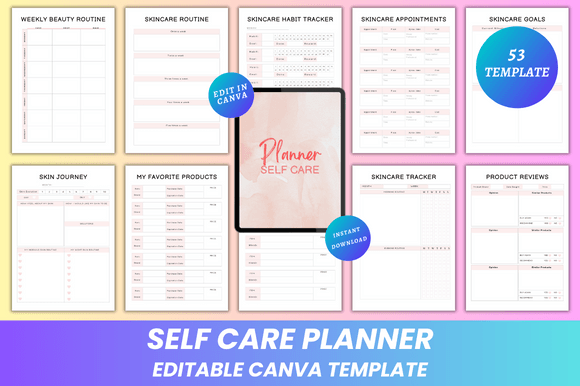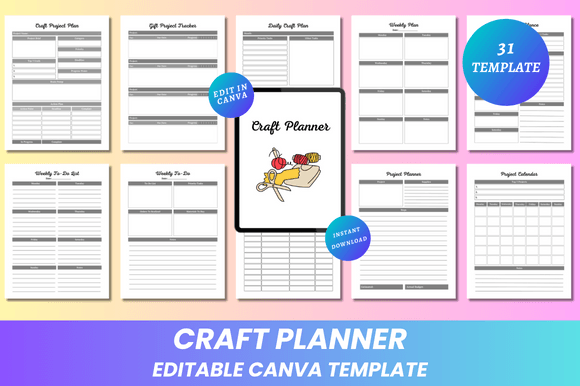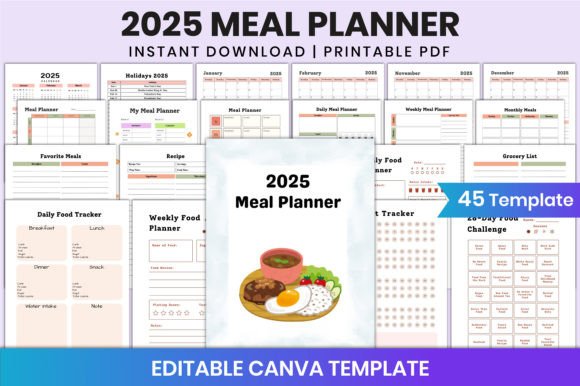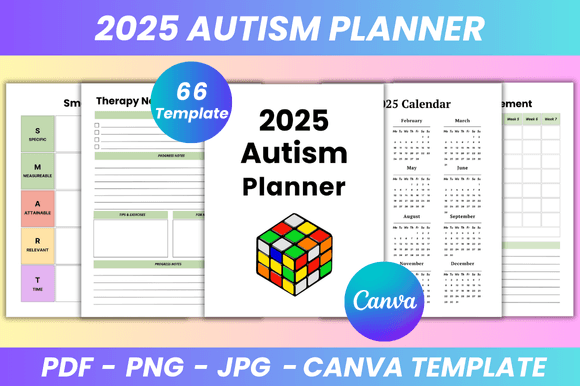
Fitness Planner Canva KDP Interior: A Practical Evaluation for Planners and Creators
The Fitness Planner Canva KDP Interior refers to a digital interior template designed specifically for creators preparing fitness-themed planners for Amazon Kindle Direct Publishing (KDP). Unlike static PDFs, this interior is built as a fully editable Canva file—meaning users can modify fonts, colors, layout spacing, text size, and even insert custom photos or icons before exporting final print-ready assets.
This type of template serves a distinct purpose: it bridges the gap between design flexibility and publishing efficiency. It is not a physical planner, nor a subscription-based app—it’s a customizable, one-time-use digital resource intended for self-publishers, wellness coaches, small business owners, or designers who want to produce professional-looking fitness journals without hiring a designer or mastering complex desktop publishing tools.
Why Consider a Fitness Planner Canva KDP Interior?
Individuals exploring this option typically fall into two groups: those creating planners to sell on KDP, and those seeking a highly adaptable personal planning system. For creators, the appeal lies in speed and control. Instead of rebuilding layouts from scratch in Adobe InDesign or wrestling with KDP’s strict margin and bleed requirements, the Fitness Planner Canva KDP Interior provides pre-formatted pages that already comply with KDP’s interior specifications—including correct trim size (e.g., 8.5" x 11"), bleed settings, and safe zones.
For personal use, the value is adaptability. Because every page is editable in Canva, users can simplify sections they don’t need, expand trackers for specific goals (e.g., adding more rows to a strength training log), or adjust color schemes to match their branding—or simply improve readability.
Key Features and What They Enable
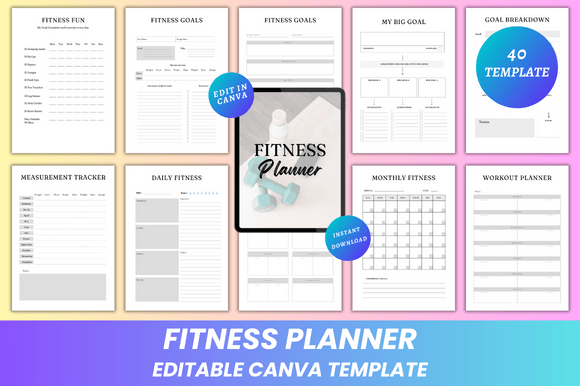
The template includes over 30 functional page types, each serving a documented planning need:
- Goal-setting tools: “My Big Goal,” “Goal Breakdown,” and “Fitness Goals” pages support progressive objective setting—useful for habit formation or long-term weight management.
- Tracking systems: Measurement, steps, sleep, water, vitamins, and habit trackers provide consistent data collection—critical for identifying patterns over time.
- Workout and nutrition support: Pages for cardio, strength, running, meal planning, grocery lists, and snack ideas help coordinate physical activity with dietary habits.
- Progress documentation: “30 Days Challenge,” “Weight Loss Tracker,” and “Running Progress” offer structured frameworks—not prescriptive plans, but scaffolds for self-monitoring.
All pages are modular. You’re not locked into using all of them. If you’re focused on strength training, you can delete or minimize cardio-specific spreads. If hydration matters more than step count, you can enlarge the water tracker at the expense of another section.
Realistic Benefits and Tradeoffs
Benefits include:
- Time savings: Avoid formatting errors common when manually adjusting PDFs for KDP compliance.
- Design autonomy: Change typography, contrast, and visual hierarchy without coding or advanced software.
- Print readiness: Export high-resolution PDFs (CMYK or RGB), JPGs, and PNGs suitable for home printing or commercial print shops.
- No recurring fees: One purchase grants ongoing access to the Canva link and export rights—no subscriptions or usage limits.
Tradeoffs to consider:
- Canva dependency: Editing requires a free or Pro Canva account. While most features work on the free tier, some premium elements (e.g., certain fonts or stock photos) may require upgrades—or alternatives.
- No automation: This is not a smart planner. There’s no syncing with wearables, no auto-calculating macros, and no reminders. It supports manual input only.
- Learning curve for new users: Those unfamiliar with Canva’s interface may spend 30–60 minutes learning how to resize text boxes, manage layers, or export correctly—especially when ensuring bleed and margins meet KDP standards.
- Fixed structure per page type: While content is editable, the underlying grid and column layout for each spread remains consistent. You can’t convert a weekly fitness page into a vertical journal layout without significant rework.
When This Template Is a Strong Fit
A Fitness Planner Canva KDP Interior makes practical sense if you:
- Plan to publish multiple planner variations (e.g., weight-loss, postpartum fitness, senior mobility) and want a reusable, branded base.
- Prefer tactile journaling over apps—and want full control over what appears on each page, not just toggling features on/off.
- Need to meet KDP’s technical requirements reliably, without trial-and-error PDF uploads and rejection emails.
- Work with clients who request customized planner versions (e.g., adding clinic logos or modifying metrics), and need to deliver tailored interiors quickly.
When Alternatives May Be More Appropriate
Consider other options if:
- You rely heavily on real-time data integration (e.g., syncing Apple Health or Fitbit). In that case, digital apps like Notion templates with API connections—or dedicated fitness platforms—offer more dynamic functionality.
- You prioritize minimalism or handwritten simplicity. A blank bullet journal or undated notebook may better suit reflective, low-structure tracking.
- Your goal is rapid prototyping across many formats (e.g., digital PDF + Notion + printable workbook). A multi-platform template suite might reduce duplication—but would require managing several files instead of one unified Canva source.
- You need accessibility features like screen reader compatibility or adjustable font scaling beyond what Canva supports. Static, well-structured PDFs with proper tagging may serve that need more directly.
Making an Informed Decision
Evaluating the Fitness Planner Canva KDP Interior comes down to matching its capabilities with your workflow and output goals. Ask yourself:
- Do I need to produce a physical or print-on-demand planner—and am I comfortable managing design in Canva?
- Am I looking for structure with room to personalize, rather than rigid daily prompts?
- Is consistency across spreads (e.g., uniform headers, aligned trackers) more valuable to me than experimental layouts?
- Do I have time to learn basic Canva editing—or would a pre-formatted, non-editable PDF be faster, even if less flexible?
If the answer to the first three leans “yes,” and the fourth is “I can invest a few hours upfront,” then this template aligns well with practical, scalable planning needs. It does not replace coaching, medical guidance, or personalized nutrition advice—but it does provide a reliable, adaptable foundation for organizing fitness-related intentions and actions.