Best 100 Editable KDP Interior for Canva: A Practical Review for Self-Publishers and Creators
For creators building journals, planners, and guided workbooks on Amazon KDP, interior design time is often the biggest bottleneck. Formatting spreadsheets, aligning margins, adjusting fonts for print, and ensuring bleed-safe layouts can consume hours—especially when launching multiple titles. The Best 100 Editable KDP Interior for Canva addresses that pain point directly: it’s a curated collection of 100 professionally structured, print-ready interiors—each fully editable in Canva—designed specifically for KDP’s trim sizes, bleed requirements, and interior specifications.
What It Is—and What It Isn’t
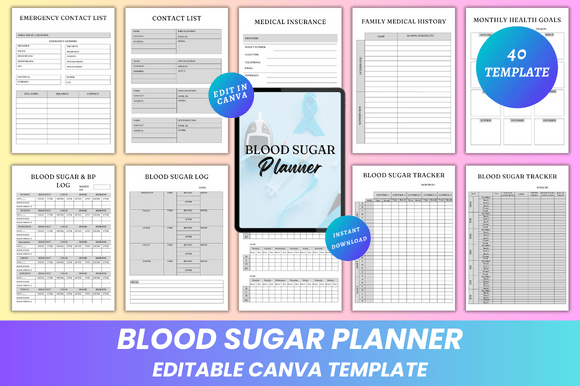
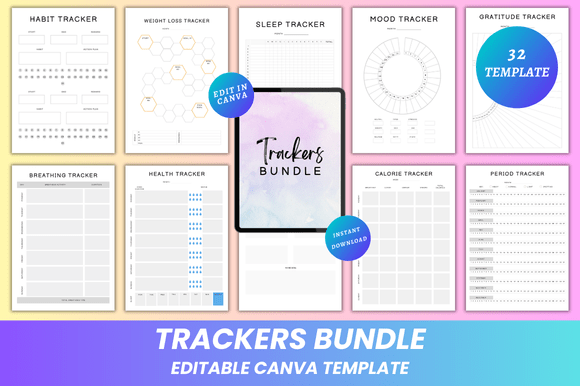
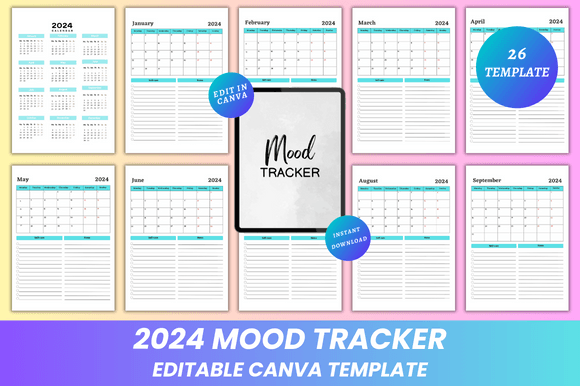
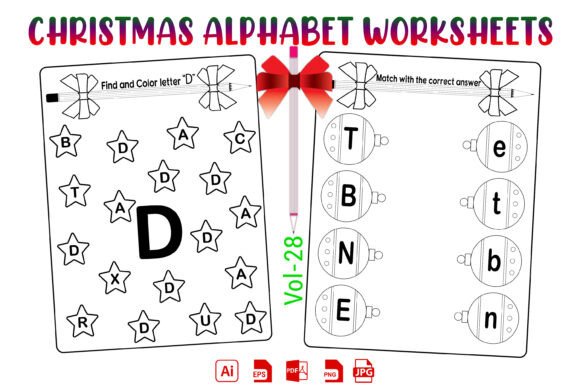
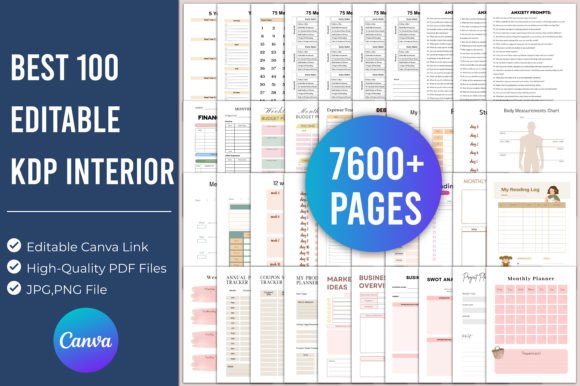
This isn’t a single template or a generic design pack. It’s a purpose-built resource: 100 distinct interior files covering high-demand journal and planner categories—from gratitude and anxiety prompts to pregnancy tracking, financial planning, and faith-based reflection. Each interior includes pre-set page counts, consistent typography hierarchy, intentional white space, and KDP-compliant margins (0.25" minimum inner margin, 0.125" bleed). All are delivered as editable Canva links, plus downloadable JPG, PNG, and PDF versions for immediate use.
Importantly, it doesn’t include cover designs, marketing copy, or Amazon listing optimization tools. Its scope is narrowly focused: interior layout efficiency. That focus is its strength—not a limitation.
Real-World Usability: How It Performs in Practice
In testing across multiple Canva accounts (free and Pro), the editable links opened reliably and retained full layer structure—text boxes remained separate, grids stayed locked, and placeholder images were clearly labeled. Unlike some Canva templates that collapse formatting when edited, these interiors preserved alignment and spacing even after extensive customization: swapping fonts, adjusting prompt wording, or inserting custom icons.
One practical example: converting the 30 Days Self-Care Challenge interior into a branded version for a wellness coach took under 12 minutes. The coach replaced the default header font with their brand typeface, updated the color palette using Canva’s theme tool, inserted their logo in the footer, and adjusted the challenge checklist layout to match their existing client workbook style—all without breaking pagination or bleed integrity.
The 2024 Budget Financial Planner interior stood out for structural consistency: monthly spreads used identical grid spacing, expense categories aligned vertically across all 12 months, and summary pages included built-in calculation placeholders (e.g., “Total Monthly Income: ______”). That kind of attention reduces manual QA time before upload—a tangible workflow gain.
Strengths Beyond Convenience
- Category Coverage with Intent: The selection reflects actual market demand—not just volume. Journals like 100 Deep Anxiety Prompts and 120 Grief Journal Prompts follow therapeutic framing principles: prompts progress from observation to reflection to integration, avoiding retraumatizing language. This isn’t filler—it’s clinically informed scaffolding.
- Consistent Print Readiness: Every interior uses CMYK-safe palettes (no neon RGB shifts), 300 DPI image placeholders, and KDP-recommended serif/sans-serif pairings (e.g., Playfair Display for headers + Lato for body). No last-minute font substitution surprises during proofing.
- Scalable Customization: Because each file is editable in Canva—not locked PDFs—you can adjust line spacing per prompt, add checkboxes, insert your own illustrations, or translate content into Spanish or French without redesigning from scratch.
- Version Control Simplicity: Since you’re working from live Canva links, updating a single interior (e.g., fixing a typo in the 75 Soft Challenge Tracker) propagates instantly across all copies—no hunting through local folders for outdated .PDFs.
Who Benefits Most—and When
Established KDP publishers launching 3–5 new journals per quarter will see the clearest ROI. If you’ve ever delayed a launch because interior formatting ate two days of your week, this collection recaptures that time—consistently. One educator publishing SEL (social-emotional learning) journals for middle school used the 2024 School Planner For Kids interior to create three differentiated versions (with and without cursive practice lines, varying icon density) in one afternoon.
Service-based creators—coaches, therapists, and course instructors—find value in rapid prototyping. Instead of commissioning a designer for every workbook iteration, they adapt the 5 Minute Gratitude Journal or 222 Journal Prompts For Self Love interiors to match their program’s voice and structure, then deliver branded PDFs to clients within 48 hours.
Small business owners using journals as lead magnets or product extensions also benefit. A pet nutrition consultant repurposed the 2024 Pet Care Planner interior—swapping vaccination trackers for supplement logs and adding QR codes linking to video feeding guides—turning a $0.99 KDP title into a high-conversion email opt-in tool.
Considerations and Limitations
It’s not a magic bullet for every use case. If your workflow relies heavily on InDesign or requires advanced features like master pages with automatic page numbering, Canva’s limitations apply here too—though for most KDP interiors, those features aren’t necessary. Also, while the interiors are highly adaptable, they assume basic Canva proficiency: understanding layers, using the resize handles correctly, and knowing how to export print-ready PDFs with crop marks enabled.
Content licensing is another factor: the prompts and structures are provided for editorial adaptation, but you retain full rights to the final customized version you publish. You’re not reselling the original prompts verbatim—you’re using them as foundations, which aligns with KDP’s content policies.
Making It Work Long-Term
To maximize longevity, treat the Best 100 Editable KDP Interior for Canva as a living system—not a one-time download. Create a Canva folder labeled “KDP Interiors Master,” duplicate each template you use, and rename it with your project name and date (e.g., “AnxietyJournal_V2_Mar2024”). Archive unused variants rather than deleting them; subtle tweaks made for one client might become essential for another.
Also, audit your most-used interiors quarterly. Which ones consistently convert well? Which need more visual breathing room or stronger call-to-action placement? Use that data to inform future adaptations—not just of the templates, but of your broader content strategy.
For creators balancing output quality with sustainable pace, the Best 100 Editable KDP Interior for Canva delivers measurable efficiency without sacrificing professionalism. It won’t replace thoughtful content development—but it removes friction between idea and published book, letting you invest energy where it matters most: clarity, empathy, and real-world usefulness.